

Installing our WooCommerce plugin
Getting started
To get started, you’ll need the following essentials:
- You will need an API Key. Please email support@transglobalexpress.co.uk, quoting your Transglobal Express account number (AC-XXXXXX).
- You will need to apply for a credit account if you don’t already have one, or add pre-pay credit to your account.
Once we have the necessary info from you, we'll send you the plugin files.
This work will need to be carried out by your own developers. We can offer advice and limited support for service integration.
Next steps
This plugin allows you to get a quote, book a courier service, and track your shipments via the WooCommerce platform.
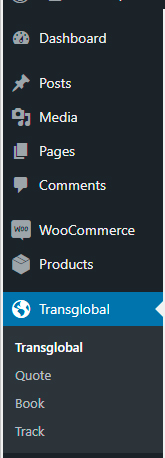
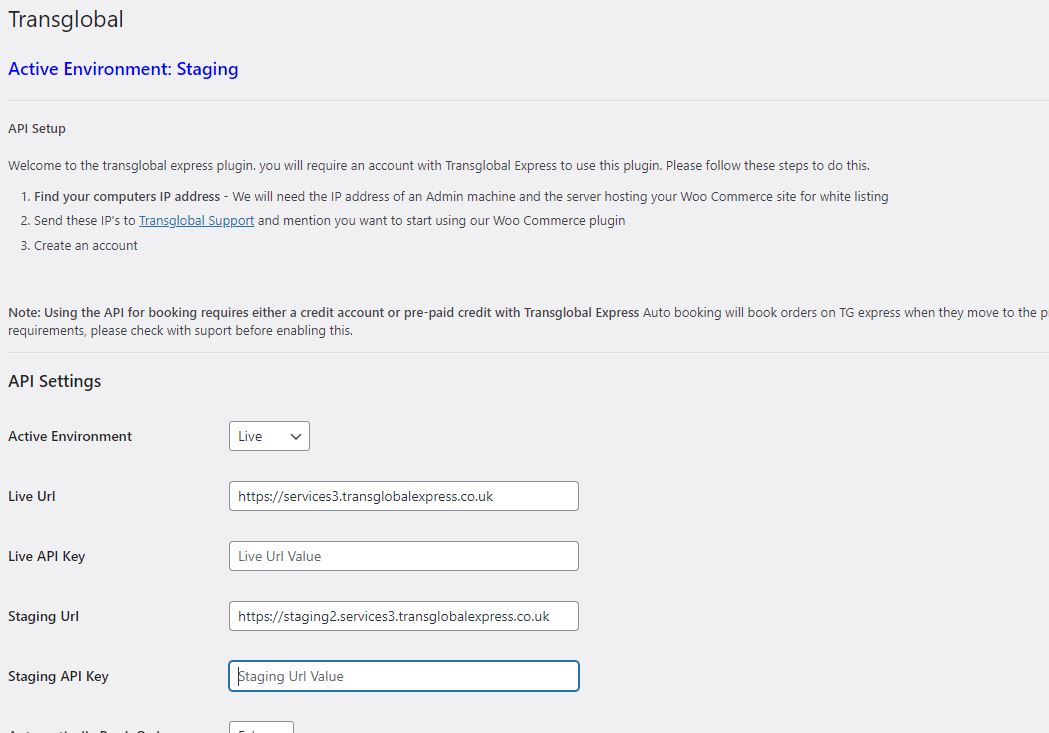
First you'll need to set up the enviroment you wish to use - Live or Staging (Testing) - including the URL and API for that environment.
Live URL: https://services3.transglobalexpress.co.uk
Staging URL: https://staging.services3.transglobalexpress.co.uk
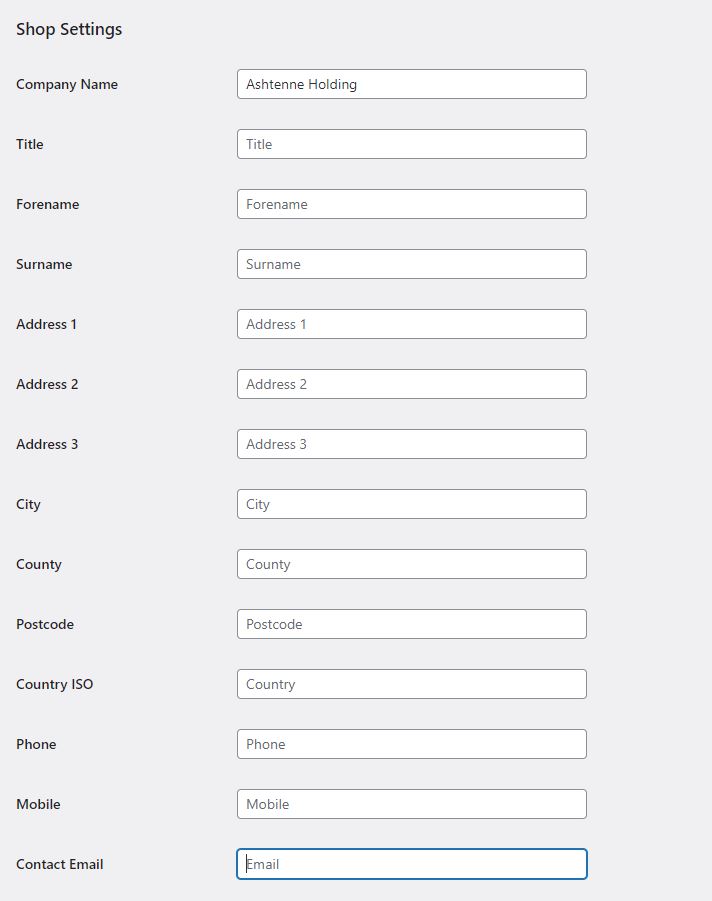
You will need to enter your collection address in the plugin settings, including the country in ISO format. This is GB for the United Kingdom.
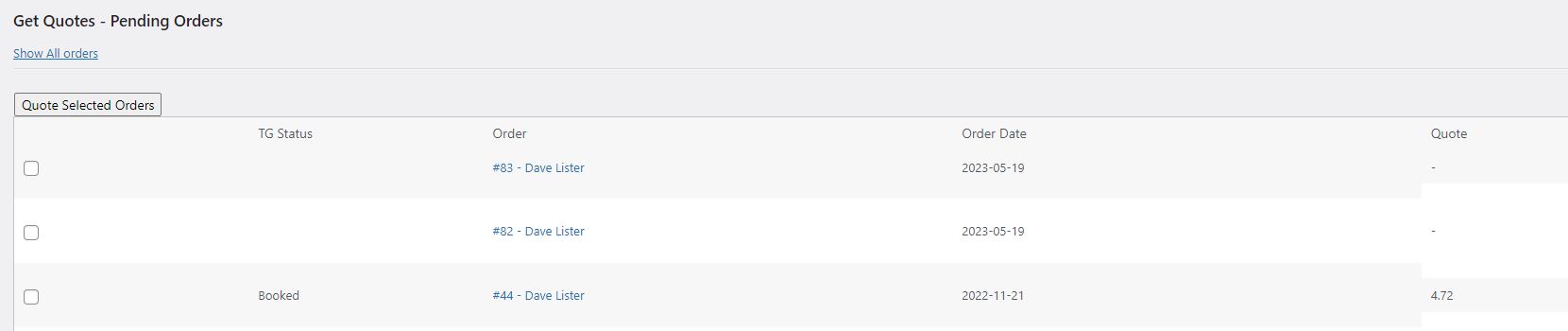
Shop orders with the status of "processing" will appear under the Quote tab. However, there is the option to 'Show All orders' at the top of the page:
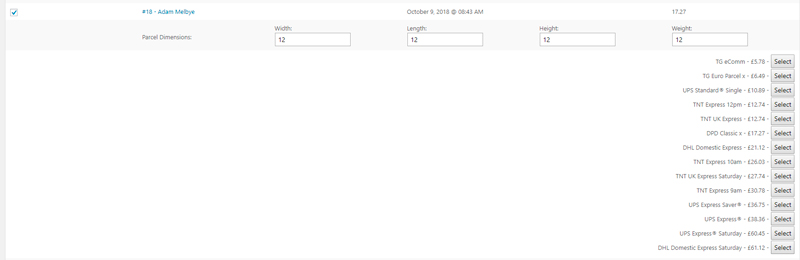
Select an order to view the parcel dimensions details for that order.
Use the Quote Selected Orders button to get a quote for all available parcel delivery services:
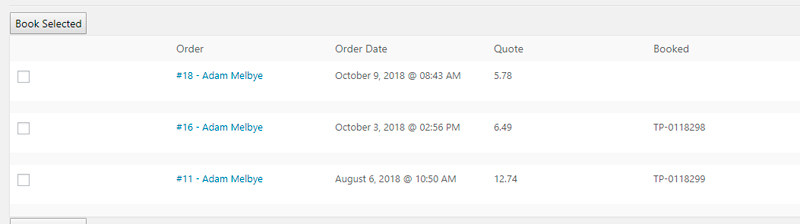
Switch to the Book tab – any order for which you have selected a valid quote can now be booked from here. Select your orders and click Book Selected:
Once booked, you can use the Track tab to track and print labels for an order:





Be the first to know about the latest services