

Installing our Shopify importer
Please note: You will not be able to pull customer details through from Shopify if you are only on their Basic membership plan. This access is only included in higher subscription tiers. Please refer to the Shopify website for a full list of features for each plan.
To link your Shopify store to your Transglobal Express account, please complete the following steps.
Step 1 – Getting Shopify Ready
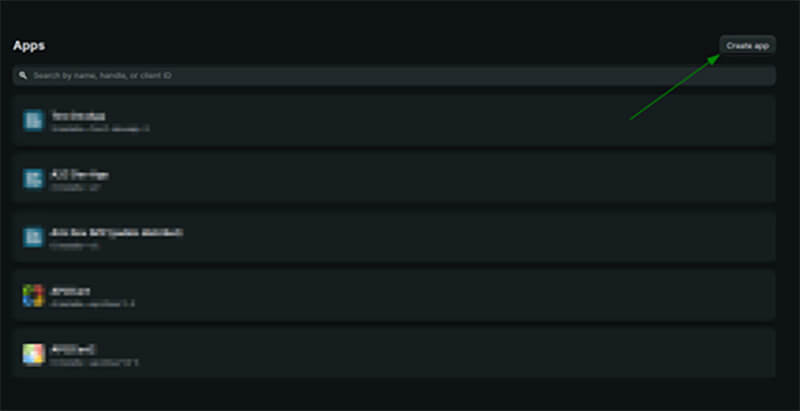
To create a new app, log in to the Developer Dashboard and click Create App.
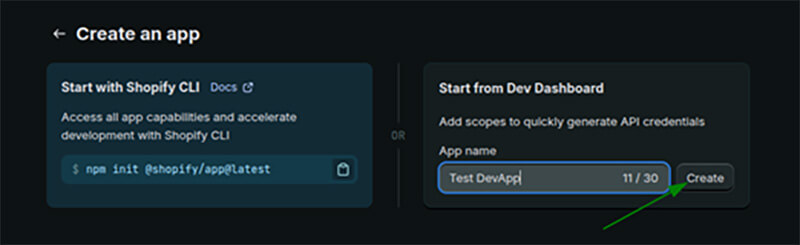
Then enter the app name in the App Name field.
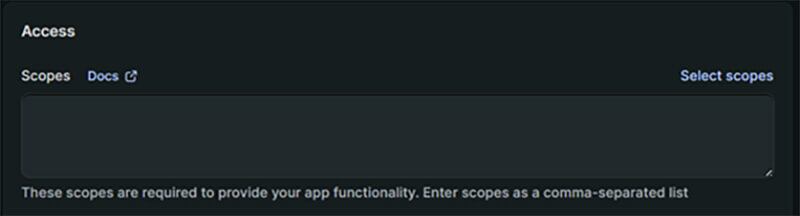
Next go to Select Scopes
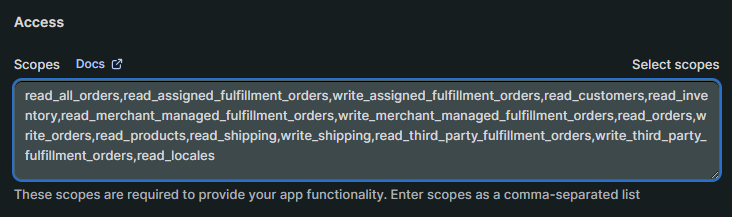
And copy and paste the following scopes across.
read_all_orders,read_assigned_fulfillment_orders,write_assigned_fulfillment_orders,read_customers,read_inventory,read_merchant_managed_fulfillment_orders,write_merchant_managed_fulfillment_orders,read_orders,write_orders,read_products,read_shipping,write_shipping,read_third_party_fulfillment_orders,write_third_party_fulfillment_orders,read_locales
Next click "Release".

And "Release" again in the cofirmation pop-up.
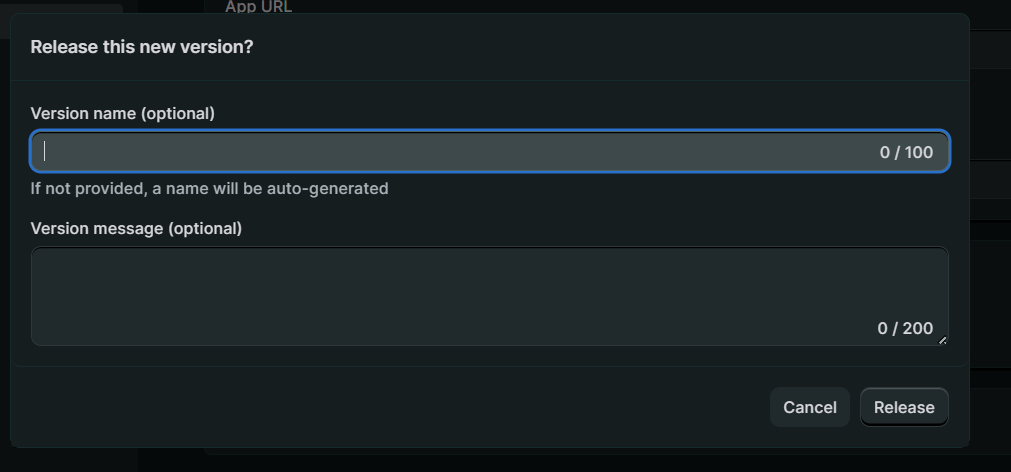
After that, the new app will be available on the dashboard.
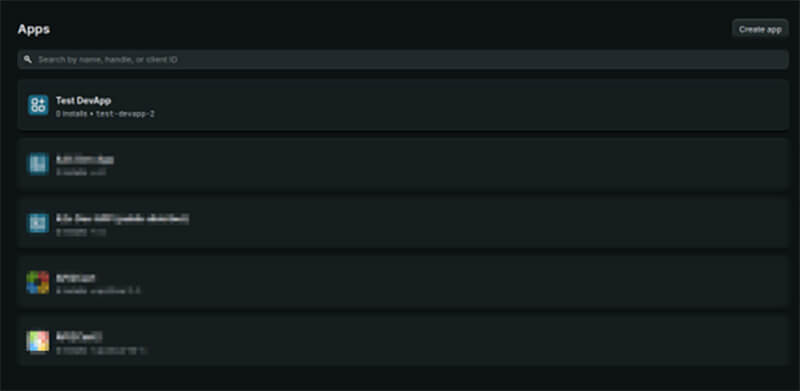
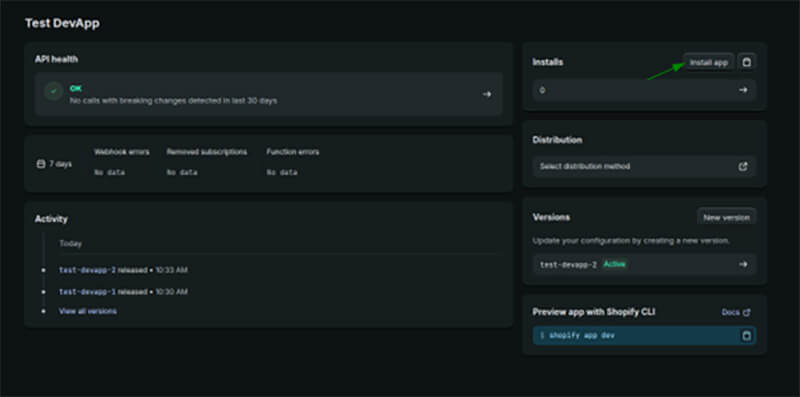
The app can then be installed on a store directly by clicking the Install button.
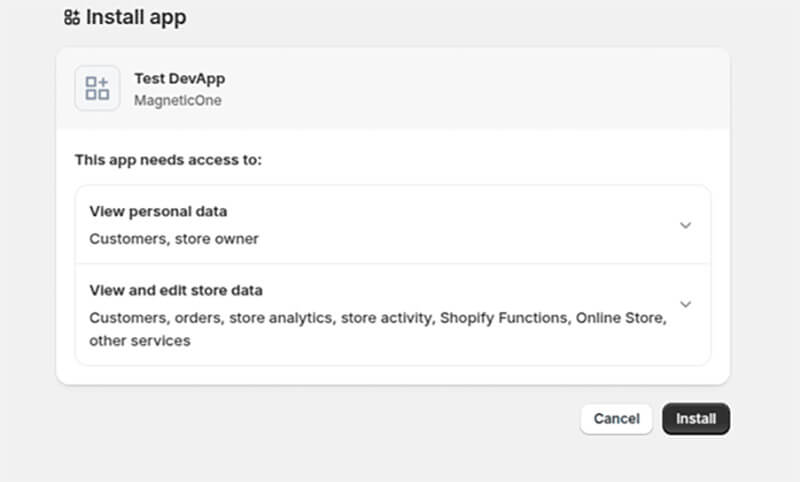
Then select the desired store and confirm the app installation.
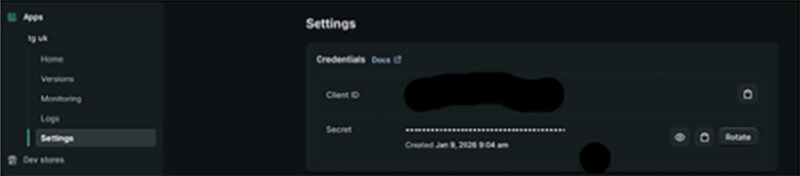
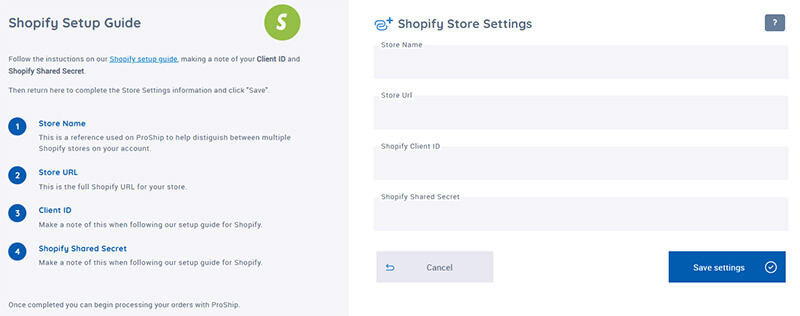
Once this is done, go back to the app and view on settings and take your Store URL, the client ID and shared secret.
If your regular store domain doesn’t work, you may need to use your myshopify.com Store URL instead. Follow the steps below to find it.
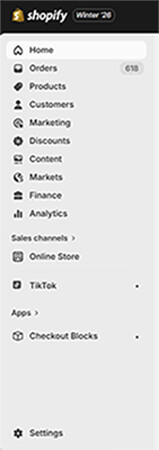
Go to Settings in the bottom-left corner of your Shopify admin.
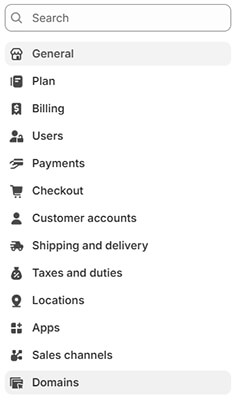
Select Domains from the Settings menu.
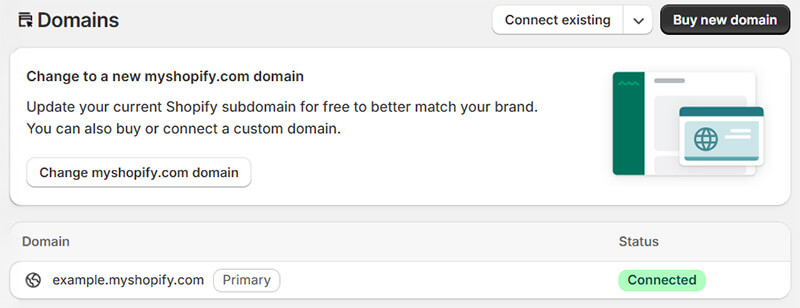
Copy your myshopify.com domain and make sure it includes "https://".
You can then enter this information on Proship.




Be the first to know about the latest services